CityScout

What’s new at CityScout

What we’ve shipped, newest first.

Open CityScout
Product updatesNov 2025–Nov 2026

Every record lands on a parcel

A plan of a city block with one parcel highlighted and the surrounding parcels drawn as context

CityScout brings filings, permits and ownership records together by lot. Open a project on the views map and its hero shows the lots it sits on, outlined on satellite imagery, one colour per owner.

Zoom the map in to lot level and the other lots nearby that have anything on record are drawn in gray around it. Click one to see who owns it and what has been filed there, so you can read what is happening around a site before you make a call.

Start from a view, not a filter

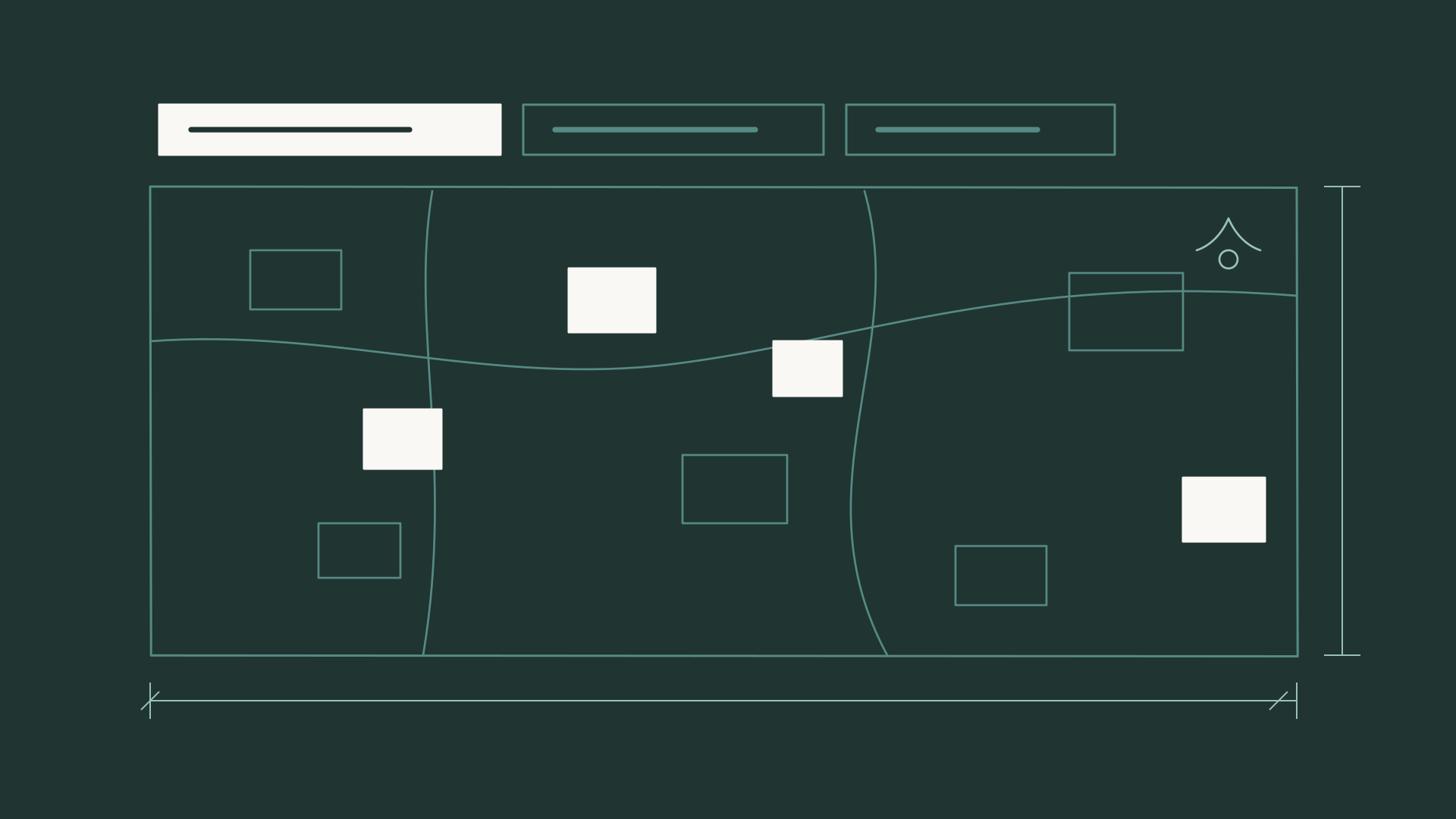
A map in elevation with three view tabs above it and one set of project sites highlighted

Preset views get you to a useful shortlist without building filters from scratch. Open All views on the map and choose the kind of opportunity you want to pursue: homes and duplexes before construction, projects approved but not yet permitted, or the rezonings and site plans filed near a site in the last six months.

Open any view in Advanced mode to adjust it and save it as your own. Views are shared with your team, and your CRM notes show on the map pins in every view.

30 metro areas, one way of working

Three schematic market plans with one project site highlighted

CityScout now covers 30 metropolitan areas, each one a network of cities and counties with its own planning department, public records and permitting system, brought into one view of development activity.

Every market on your plan uses the same map and project pages, so a new city is a familiar starting point. Planning records link to the building permits that follow them even when the two use different addresses, so you can follow a project from its site plan to the contractors on its permits.

Follow a development phase by phase

A site plan with one development phase highlighted

One development can have a building finished, another under construction, and later phases still on paper. CityScout now splits a project into the parts it has identified and gives each one its own stage, filings, activity, and contacts, so you can tell which part is moving. Meeting recordings and coverage from selected news sources now sit in the project record next to the filings.

Describe the projects you want, get a report

Source records connected to a single project report

Describe what you’re looking for, something like “all multifamily above 50 units”, and CityScout turns it into filters you can review before it generates the report. Export the results to CSV or print them to PDF, and save the projects you pick to a tracked list.

You can also search by address or parcel number to look into one specific site, including a parcel that has no CityScout project yet. Results cover the markets on your subscription.

Firm leadership, with titles and contacts

A firm connected to its leadership and filing participants

When the only person a filing names is the attorney or the engineer, you’re still a step away from whoever is deciding on the project. Firm and project records now show the firm’s leadership, with job titles and the contact details CityScout has for them, and they label leadership separately from the people named on the filing so you know how each person connects to the project.

Firms now roll up into their corporate families

A parent firm connected to three member firms

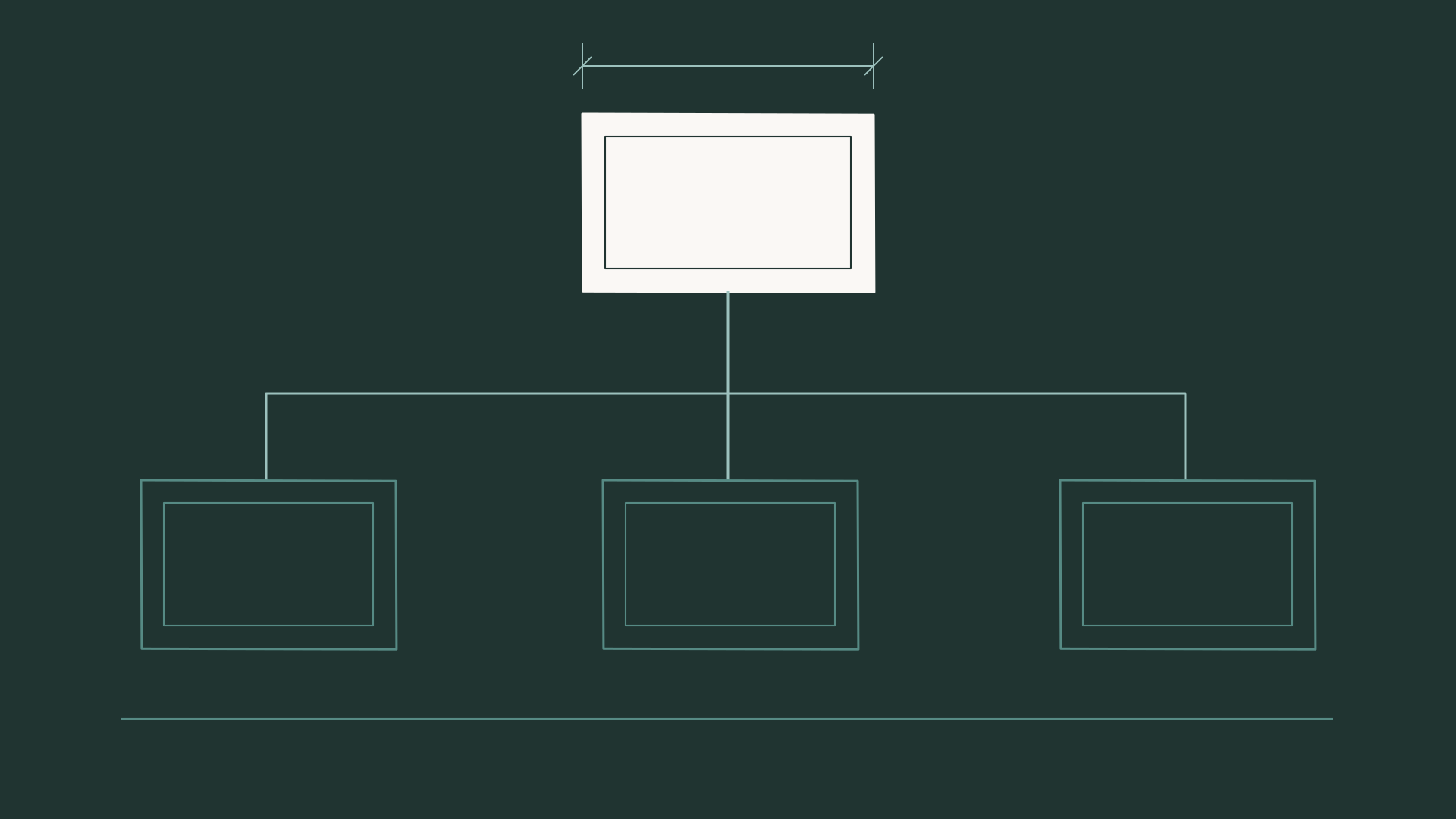
A firm’s record links it to its parent and sister companies and combines their projects into one portfolio, and every filing still shows the firm named on it.

Firm rankings show who’s most active, and firm filters find projects by developer, architect, engineer, contractor, or attorney.

All your markets on one map

Three schematic market plans with one project site highlighted

Every market on your subscription now shows on a single map, and you can jump straight from one to another. A new Entitled stage marks projects that have their approvals and are waiting on building permits, apart from the ones already in permitting.

Project digests in your inbox

Project records collected into an email digest

Tell CityScout which asset types you care about and it emails you the matching projects daily, weekly, or monthly. Set it up in your alert preferences.

More to comeBack to top

See what’s taking shape in your market

Request a demo and see the record for your market, live.